
Proof & Evidence
Before & After Reports — the fault and the fix, side by side
A photo sent when a fault is reported is tagged as the before; the photo sent to close the job is the after. The detailed report draws the two as a pair under each issue, so the person reading it sees what was wrong and what was done without scrolling a flat grid.
- Before · 09:42 AM · 14 Oct
- After · 03:15 PM · 14 Oct
- WO-1042 · Unit 14-2
- PDF · paired layout
The problem
The client asks for proof. You spend the evening sorting photos.
All done boss 👍
A thumbs-up is not proof. The cleaner says done, the client says show me, and there is nothing to show.
Gambar before tu mana? Dalam group semalam.
Photos live in a group. The before shot is on one phone, the after on another, and neither is labelled.
Boleh hantar report sebelum Jumaat?
Reports are built by hand. Someone spends hours pasting photos into a deck, one issue at a time.
How It Works
Tagged when it arrives, paired when it prints.
Nobody sorts photos afterwards. The stage is set by what the sender was doing at the time.
1
Before
Tagged at arrival. The photo that comes with a fault report — from WhatsApp, Telegram, a QR scan or the console — is stored as the before.
2
Progress and after
Progress, then after. Photos sent while the job is open are progress; the photo sent when the technician marks it done is the after. Where a mandatory resolution photo is switched on, the job cannot close without one.
3
Paired in the PDF
Pair per issue. The detailed report shows Before on the left and After on the right for every issue that has both, with progress photos below. An issue with only one side falls back to the plain grid rather than a half-empty pair.
Key Benefits
The report a client actually reads
One glance per issue. What was wrong, what was done, in one glance per issue — the format a facilities manager already asks for by hand.
Old photos are not left out
Old photos are paired. Photos taken before this feature carry no tag. They are paired from the moment the issue was resolved, computed at report time, never written into the database as a guess.
The tag is the fact
Tag beats timestamp. An explicit tag always wins over the timestamp inference, so a completion photo uploaded after a reopen still lands on the right side.
Works With
Where the photos come from
GPS-Watermarked Evidence
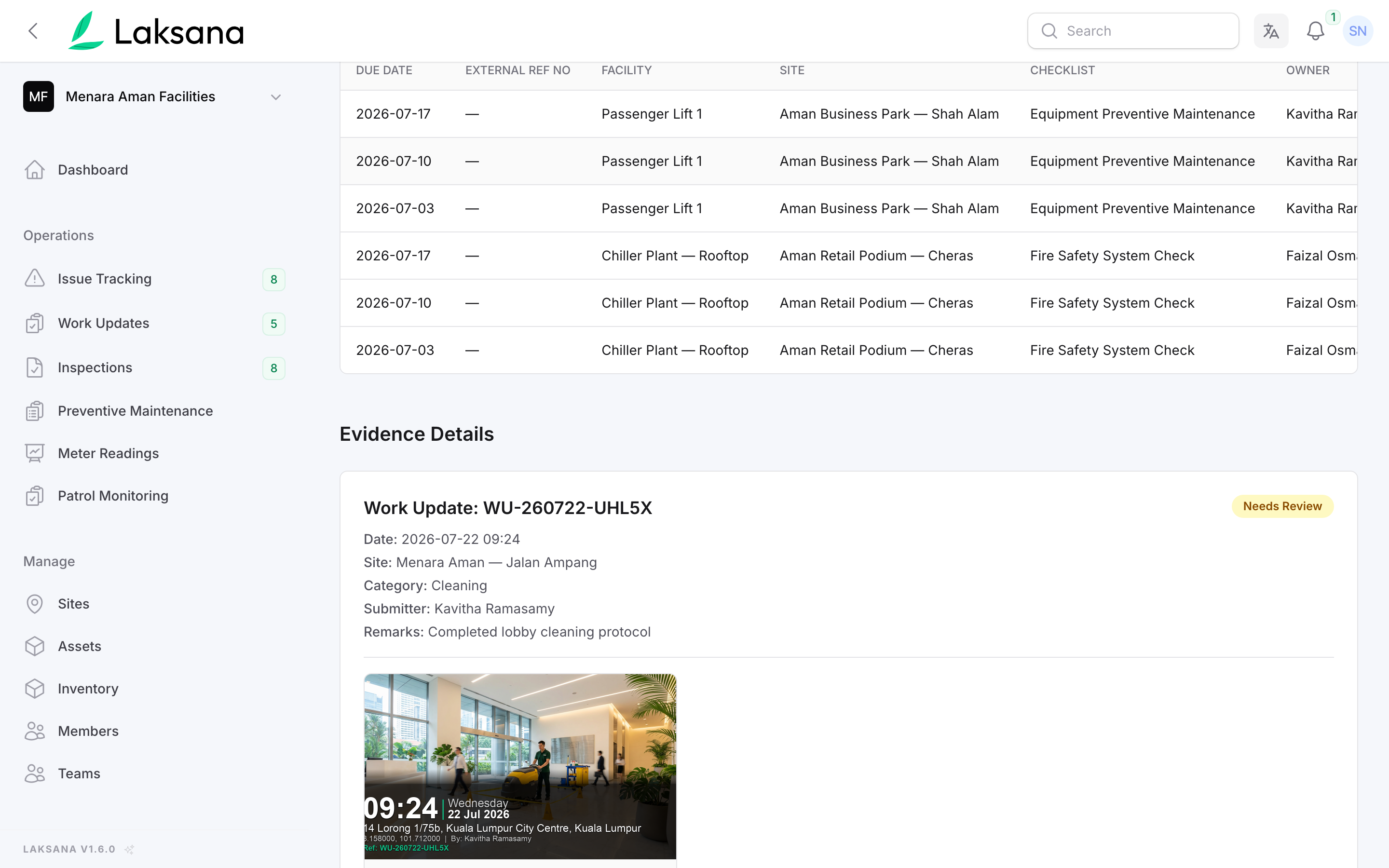
Proof of place. Every photo carries its capture time, coordinates and site name, so the before and after are also proof of place.
Reports & Share Links
Same report. The paired layout is part of the detailed PDF, alongside Excel export and share links.
Issue Reporting
The two photos. The fault report and the closure that supply the two photos.