
Features / Asset QR Management
Communication
Asset QR — the code on the equipment is the way into the record
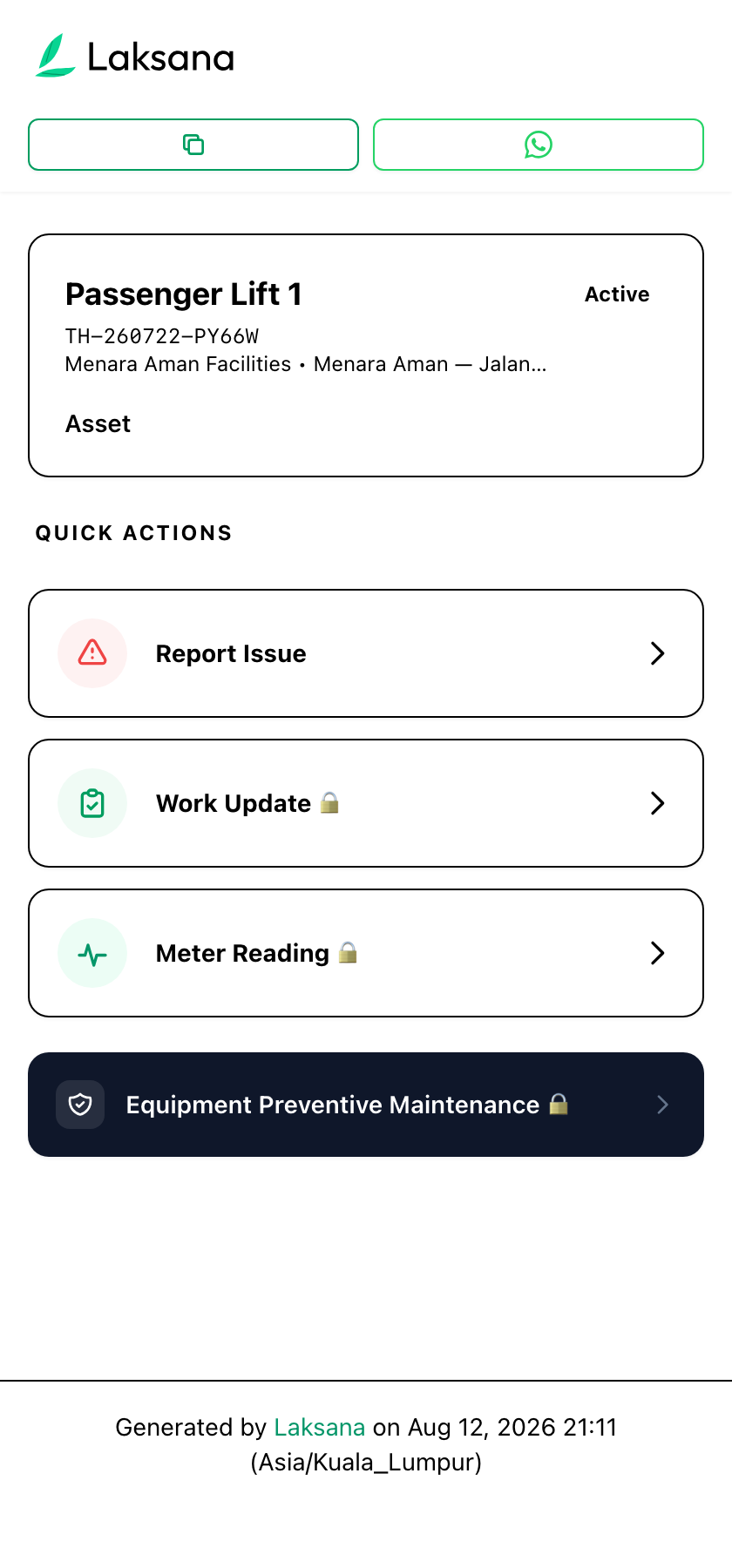
Print a QR code for each asset and area and put it where the work happens. Scanning it opens a page for that exact asset, where a tenant can report a fault, a technician can log work or a meter reading, and nobody has to describe which lift on which floor they mean.
How It Works
Register the asset, print the code, mount it.
The register is the point — the QR code is just the shortest path back into it.
1
Register
Add assets and areas under the site they belong to, up to three levels deep — site, block or floor, and the equipment itself.
2
Print
Generate a printable QR poster for any asset, carrying the workspace name and the asset name, ready to laminate and mount.
3
Scan
A scan opens that asset's page. From there: report a fault, submit a work update, or log a meter reading — each already tied to the right asset and site.
Key Benefits
No login for the person reporting
A tenant or a visiting contractor scans and reports. Actions that need to be attributable are protected by a one-time code sent to the person, not by an account they have to create.
The location is never wrong
Because the scan carries the asset, the site and asset fields cannot be mistyped, guessed, or left for an admin to work out later.
History lives on the asset
Faults, work updates, meter readings and inspections all hang off the same asset record, so its service history is one page rather than a search.
Works With
What a scan can start
Issue Reporting
A fault raised from a scan enters the same register, with the same routing and SLA rules.
Work Updates
Photo-verified proof of work, submitted against the asset that was scanned.
Preventive Maintenance
Meter readings taken at the asset can trigger the next preventive work order.
Multi-Site Management
The asset register spans every property, with the same hierarchy at each.