
Features / Work Updates
Work & Issues
Work Updates — photo-verified proof of work from the field
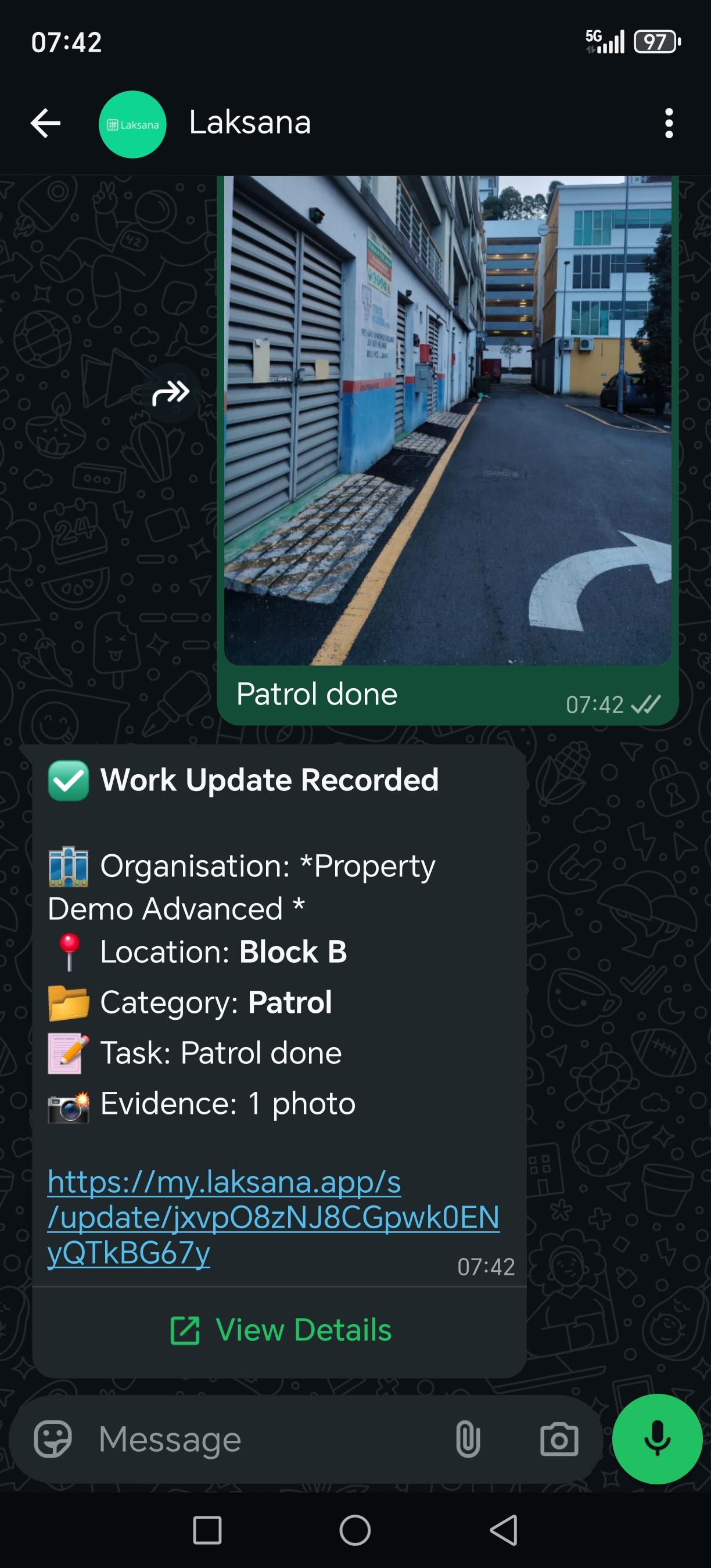
Your team already sends photos of what they have done. Laksana turns each one into a structured work update — stamped with time, location and site name, classified automatically, and attached to the right site or asset — instead of leaving it to scroll away in a group chat.
How It Works
A photo in chat becomes a record you can report on.
Nothing to install and nothing new for staff to learn — the capture step is the one they already do.
1
Send
A staff member sends a photo and a short message over WhatsApp, or submits it by scanning the QR code on the asset or area.
2
Stamp and classify
The photo is watermarked with the time, the GPS coordinates when the device shares them, and the site name. The message and the image are read together to work out what the update is about.
3
File
The result is a work update attached to a site, a category and — where relevant — a specific asset, ready for the dashboard, a report or a client share link.
Key Benefits
The evidence is stamped at capture
Time, location and site are written onto the photo as it arrives, not typed in afterwards — which is what makes an old or off-site photo hard to pass off as today's work.
No second system for the field
Supervisors stop re-keying WhatsApp messages into a spreadsheet at the end of the day, because the message was the record.
Client reporting stops being a monthly scramble
Filter the period, the sites and the categories, and export a branded PDF or hand over a share link — from records that were already complete.
Works With
What it feeds
GPS-Watermarked Evidence
The stamping rules behind every photo, and what happens when a device shares no location.
Team Performance
Who submitted what, how quickly, and with what evidence — per person and per site.
Reports & Share Links
Turn a filtered period into a client-ready PDF or a link you can send.
Multi-Site Management
The same record shape across every property, so the roll-up is comparable.